Coming soon · Release date: October 14, 2026 · Info based on official announcements
UpdatedTHANKS, LIGHT. system requirements: Can Your PC Run It?
Check THANKS, LIGHT. system requirements, compare minimum and recommended PC specs, and prepare for launch with RAM, GPU, storage, and Steam Deck details.
Jump to
Can Your PC Handle THANKS, LIGHT.?
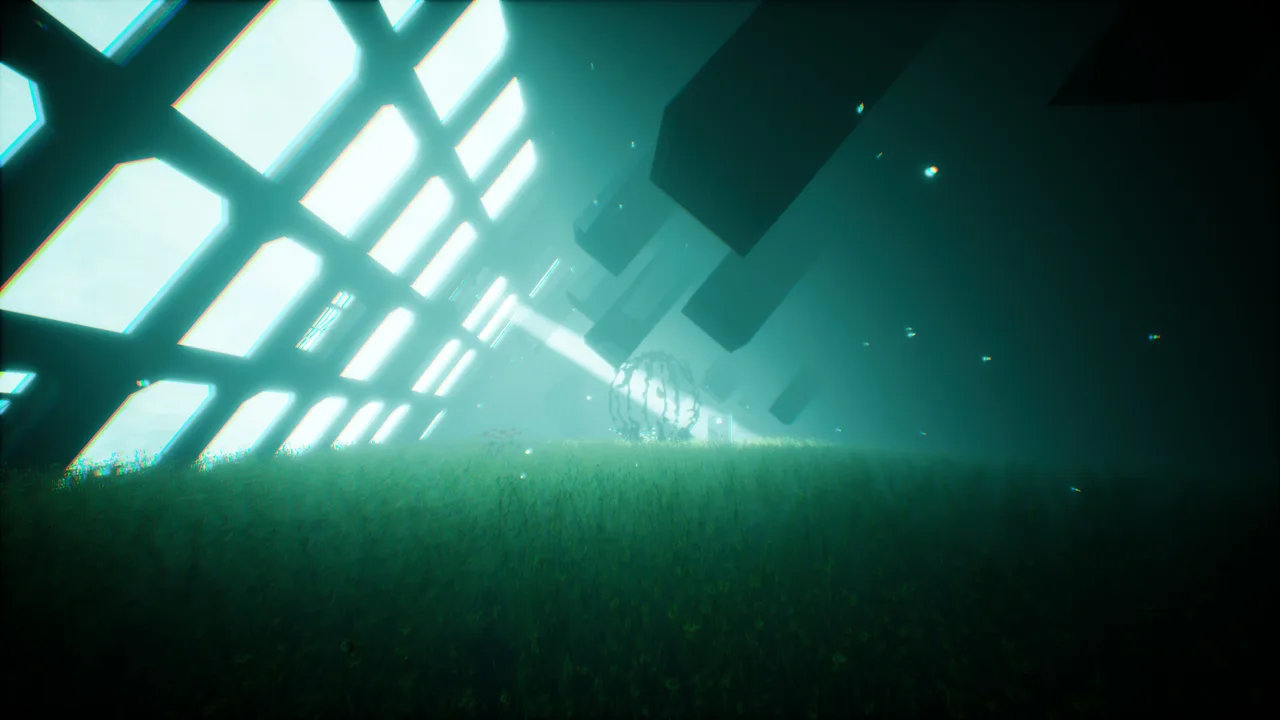
A flat silhouette becomes a solid platform when you shine your flashlight—but can your computer handle the transformation? The THANKS, LIGHT. system requirements matter because the listed minimum and recommended hardware target different frame rates and graphics settings. Here’s how to compare your setup with the THANKS, LIGHT. system requirements before its planned October 14, 2026 release.
The quick answer: the minimum configuration calls for 8 GB of RAM and a GTX 1660 or Radeon RX 590, while the recommended configuration raises that to 16 GB of RAM and an RTX 2060 or Radeon RX 5700. Both specify DirectX 11 and recommend an SSD.
Those specifications come with useful performance targets. Minimum hardware aims for 1080p at 30 fps using Medium settings; recommended hardware aims for 1080p at 60 fps using High/Ultra settings. Treat those figures as developer targets, rather than guaranteed results for every computer.
Developed by Lightersgames and published by Game Source Entertainment, this first-person puzzle adventure revolves around changing objects between flat silhouettes and physical forms. Knowing where your PC falls on the requirements list helps you choose a sensible starting configuration.
Minimum and Recommended PC Specifications
The THANKS, LIGHT. system requirements list Windows configurations with a 64-bit processor and operating system. Here is the complete comparison in the current listing.
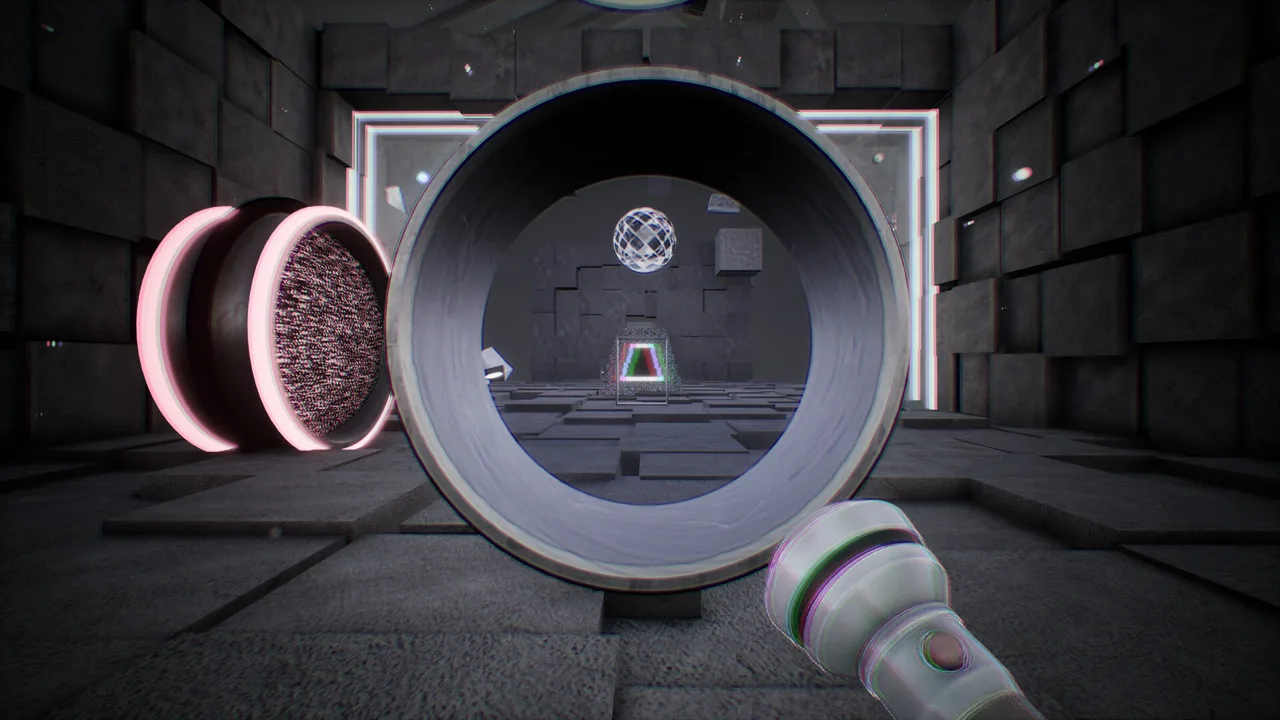 Image: Steam / Lightersgames
| Component | Minimum requirements | Recommended requirements |
|---|---|---|
| Operating system | Windows 10 64-bit, version 1909 or later | Windows 10 64-bit / Windows 11 |
| Processor | Intel Core i5-9400 / AMD Ryzen 5 3500X | Intel Core i5-10600 / AMD Ryzen 5 3600 |
| Memory | 8 GB RAM | 16 GB RAM |
| Graphics card | NVIDIA GeForce GTX 1660, 6 GB / AMD Radeon RX 590, 8 GB VRAM | NVIDIA GeForce RTX 2060, 6 GB / AMD Radeon RX 5700, 8 GB |
| DirectX | Version 11 | Version 11 |
| Available storage | 10 GB | 12 GB |
| Sound card | DirectX-compatible sound card | DirectX-compatible sound card |
| Storage recommendation | SSD recommended | SSD recommended |
What the processor names tell you
Check the full CPU model, rather than stopping at “Core i5” or “Ryzen 5.” The minimum Intel processor is specifically the Core i5-9400, while the recommended Intel processor is the Core i5-10600. An older processor carrying the same family name does not automatically meet either specification.
The same principle applies to AMD: the minimum lists the Ryzen 5 3500X, and the recommended configuration lists the Ryzen 5 3600. If your processor is different, compare its performance with the named models before assuming it qualifies.
GPU model and video memory both matter
The THANKS, LIGHT. system requirements name particular graphics cards and their memory capacities. Having enough VRAM alone does not establish compatibility. A different graphics chip with 6 GB or 8 GB of memory may perform differently from the listed hardware.
Laptop owners should also check the exact mobile GPU model. A familiar product name is not enough to establish that a laptop matches the desktop configuration. The published list does not provide separate laptop targets or an integrated-graphics specification.
Plan around the larger storage figure
The minimum storage entry is 10 GB, while the recommended entry is 12 GB. For preparation, a reasonable approach is to use the larger published figure when checking available space.
Neither entry explains why the figures differ. They also do not promise that future updates will fit within the same amount of space. Avoid treating either number as a permanent installation-size ceiling.
What the Performance Targets Actually Mean
The THANKS, LIGHT. system requirements connect hardware with intended performance. Instead of leaving you to guess what “minimum” means, the listing identifies a resolution, frame rate, and graphics preset for each tier.
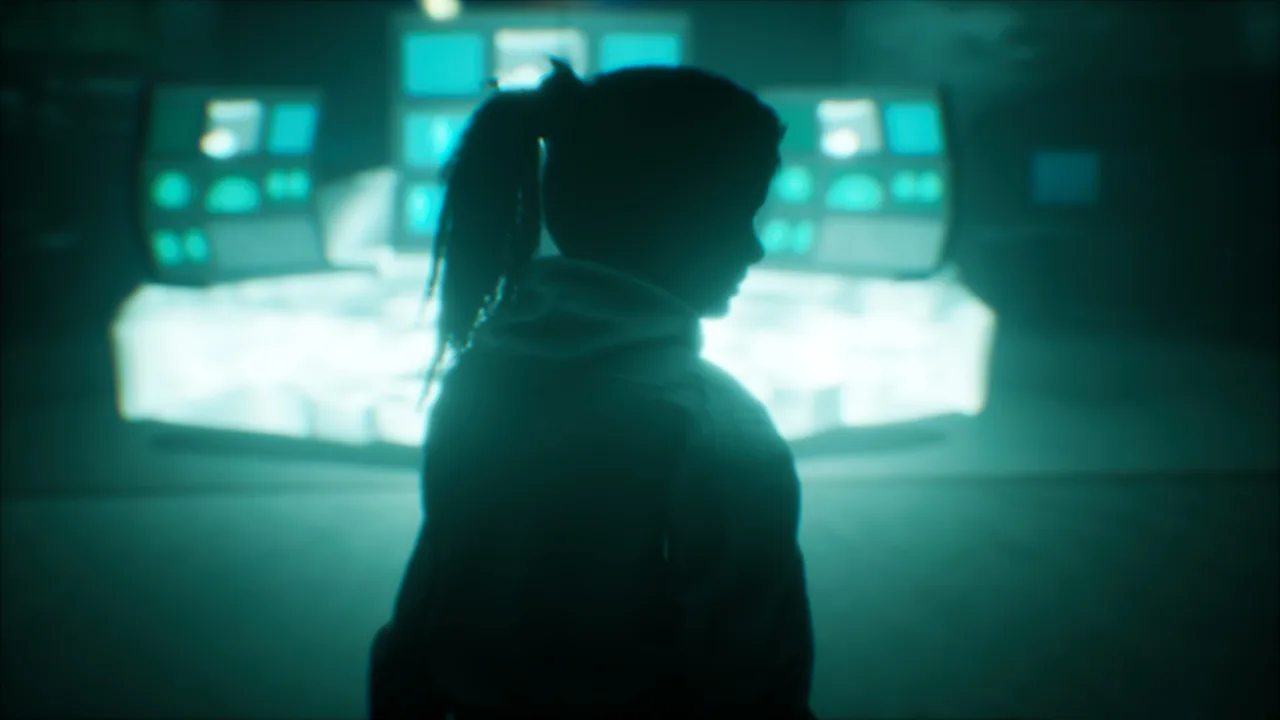 Image: Steam / Lightersgames
| Hardware tier | Target resolution | Target frame rate | Target graphics settings |
|---|---|---|---|
| Minimum | 1080p | 30 fps | Medium |
| Recommended | 1080p | 60 fps | High/Ultra |
The recommended frame-rate target is twice the minimum target, at the same listed resolution. That makes the distinction relevant even if you are comfortable with Medium visuals: the recommended configuration is also aimed at smoother motion.
However, these are published targets, not independent benchmarks. The listing does not provide frame-time measurements, results for individual stages, or performance data for hardware between the two tiers.
Choose a starting point that matches your hardware
If your computer meets the minimum configuration, 1080p with Medium settings is the sensible starting point because it matches the developer’s stated target. Raising the preset immediately would move beyond that target.
If your computer meets the recommended configuration, 1080p with High or Ultra settings follows the published guidance. The “High/Ultra” wording does not explain whether every scene maintains identical performance across both presets.
For a mixed configuration—such as a recommended CPU paired with a minimum GPU—avoid assigning the whole PC to the higher tier. Compare each component separately, then begin conservatively and adjust based on the results you observe.
Higher resolutions remain an open question
The available requirements do not publish targets for 1440p, 4K, or high-refresh-rate play. They also do not specify ray tracing, upscaling features, or frame-generation support.
You therefore cannot use the recommended specification as evidence of a particular 4K frame rate. If higher-resolution performance is central to your purchase decision, wait for relevant benchmarks or evaluate the available demo, keeping its limitations in mind.
An SSD is recommended at both tiers
The listing recommends an SSD for minimum and recommended systems. It does not state an SSD-only requirement, nor does it provide measured loading-time differences between storage types.
If you already have an SSD with sufficient available space, installing there follows the developer’s guidance. The requirements do not distinguish between SATA and NVMe drives, so they provide no basis for claiming that one specific SSD type is necessary.
How to Compare Your Computer Before Launch
Checking the THANKS, LIGHT. system requirements is most useful when you compare exact component names. A PC that looks close on paper can still have an important mismatch, particularly in its graphics hardware or operating system.
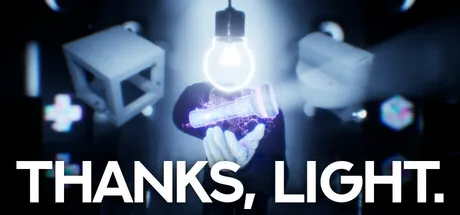 Image: Steam / Lightersgames
Use this checklist to organize the comparison.
| Item to check | Compare against | Practical action |
|---|---|---|
| Windows version | Windows 10 64-bit, version 1909 or later at minimum | Confirm your installed version and system type |
| CPU model | The named Intel or AMD processors | Record the complete model designation |
| Installed RAM | 8 GB minimum; 16 GB recommended | Check total installed memory |
| GPU and VRAM | The listed NVIDIA or AMD cards | Identify the graphics chip and dedicated video memory |
| Free drive space | 10 GB minimum; 12 GB recommended | Check the drive where you intend to install |
| Storage type | SSD recommended | Use an available SSD if practical |
For graphics, distinguish between the GPU model and its dedicated video memory; neither detail substitutes for the other.
Once you have those details, compare every row. Meeting the RAM requirement does not cancel out a graphics card below the published minimum. Likewise, a stronger GPU does not establish that an unsupported operating system will work.
Use the demo as a practical check
Steam lists a downloadable THANKS, LIGHT. demo. You can visit the THANKS, LIGHT. Steam page to download the demo and assess how the available build behaves on your computer.
A useful approach is to begin with settings corresponding to your hardware tier, if those options are available, and observe camera movement, visual clarity, and consistency while interacting with objects.
Keep the conclusion narrow: a demo can show how that build runs on your system. It cannot guarantee identical performance throughout the full release, which advertises three chapters and 60+ stages.
If your PC falls below a listed component, the requirements do not tell you exactly how it will behave. A successful demo session can inform your decision, but it does not change the published minimum.
Steam Deck Support, Gameplay, and Release Timing
Beyond the THANKS, LIGHT. system requirements for Windows PCs, the Steam listing identifies the game as Steam Deck Verified. That is useful for handheld players, although the available information does not include a Deck-specific frame-rate target, graphics preset, or battery-life estimate.
| Platform or release detail | Published information |
|---|---|
| Windows PC | Minimum and recommended specifications listed |
| Steam Deck | Listed as Verified |
| Native macOS version | No requirements provided |
| Native desktop Linux version | No requirements provided |
| Planned release date | October 14, 2026 |
| Official website launch time | 8:00 a.m. PDT / 3:00 p.m. UTC |
Steam Deck verification should not be treated as confirmation of a native desktop Linux release. Similarly, the absence of macOS specifications gives no basis for promising Mac compatibility.
Why the game’s mechanics are worth understanding
THANKS, LIGHT. uses illumination to turn flat shapes into solid objects with weight and collision. Absorbing light reverses that change, leaving flat, static silhouettes.
A good puzzle-solving approach is to consider both states of an object. Before keeping something solid, think about whether its weight or collision helps the current problem. Before flattening it, consider which physical interaction you would remove.
Mirrors duplicate objects, lenses change their size, and merging combines shapes into new forms. Because perspective can give the same object different silhouettes, a useful habit is to examine a shape from another angle before deciding what it represents.
The game advertises 3 chapters, 6+ hours of play, and 60+ stages. Those are published content figures; your completion time may differ.
Use the current launch date
Steam’s current release field lists October 14, 2026, matching the official website’s dated launch countdown. The website gives a launch time of 8:00 a.m. PDT, equivalent to 3:00 p.m. UTC.
An older announcement mentions October 15. For planning, use the current release field and dated website information, while checking the store again near launch for changes.
With that timing in mind, compare your hardware, check available storage, and try the demo if you want a practical preview before release.
FAQ
What are the minimum THANKS, LIGHT. system requirements?
You need Windows 10 64-bit version 1909 or later, an Intel Core i5-9400 or AMD Ryzen 5 3500X, 8 GB RAM, and a GTX 1660 with 6 GB or Radeon RX 590 with 8 GB VRAM. The listing also specifies DirectX 11, 10 GB of available storage, and a compatible sound card.
Does the recommended configuration target 60 fps?
Yes. The recommended specification targets 1080p at 60 fps using High/Ultra settings. It lists an Intel Core i5-10600 or Ryzen 5 3600, 16 GB RAM, and an RTX 2060 or Radeon RX 5700. This is a developer target rather than a guarantee for every system.
Can I play THANKS, LIGHT. on Steam Deck?
The Steam page lists the game as Steam Deck Verified. It does not provide handheld-specific frame-rate, battery-life, or settings targets, so those details remain unspecified in the available listing.
Is an SSD required, and how much space should I prepare?
An SSD is recommended in both hardware tiers. Available storage is listed as 10 GB minimum and 12 GB recommended. Using the larger figure is a reasonable preparation step, but the listing does not establish how much space future updates may require.
Continue with
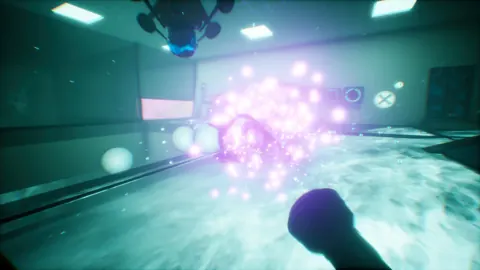 THANKS, LIGHT. trailer and screenshots: Launch GuideExplore THANKS, LIGHT. trailer and screenshots, learn how its light-based puzzles work, and check the October 14 release details before you wishlist it.
More in Release
THANKS, LIGHT. demo: Download, Puzzles, and PC Specs
Play the THANKS, LIGHT. demo on Steam. Explore light-based puzzles, check PC requirements, and learn how this demo differs from the October 2026 release.
THANKS, LIGHT. developer and publisher: Who Makes It?
Meet the THANKS, LIGHT. developer and publisher, explore its light-based puzzles, and check the planned release date, demo, and Steam Deck support today.
THANKS, LIGHT. FAQ: Release Date, Demo and PC Details
THANKS, LIGHT. FAQ covers the October 14 release, demo, Steam Deck status, PC specs, and light-based puzzles. Find out what to expect ahead of launch.
THANKS, LIGHT. platforms and wishlist: Your Launch Guide
THANKS, LIGHT. platforms and wishlist guide: check Steam launch timing, PlayStation status, Steam Deck support, and how to track a light-powered puzzler.
Join the community
Official channels for news, updates and player help: